PDF Editor Online Free: Edit a PDF in Your Browser
You have a PDF that needs a quick change, and you do not want to install software for it. An online PDF editor lets you open the file in your browser, make your edits and download the result. This guide explains how it works, what to check before you upload a file, and how to get a clean result.
What is an online PDF editor?
An online PDF editor is a website or web app that runs in your browser. You open a PDF from your computer, edit it on screen, and download the updated file. There is nothing to install, so it works on Windows, Mac, Linux and Chromebooks with any modern browser.
People use one when they need to:
- fix a typo or update a detail in a document
- fill in or correct a form
- change a page in a report or application
- prepare a file to send without opening a desktop app
Is a "free" PDF editor really free?
It depends on the tool. "Free" can mean different things, so check these before you start:
- Watermarks: Some free tools add a logo to your saved PDF.
- Daily or monthly limits: You may be capped to a few files or pages.
- File size limit: Large scans can be rejected.
- Sign-in required: Some tools need an account, which is fine if you expect it.
- What happens to your file: Know whether your document is uploaded and how long it is kept.
Limits change over time, so read the tool's current page instead of relying on an old review.
How to edit a PDF online: step by step
The steps are similar for most online editors:
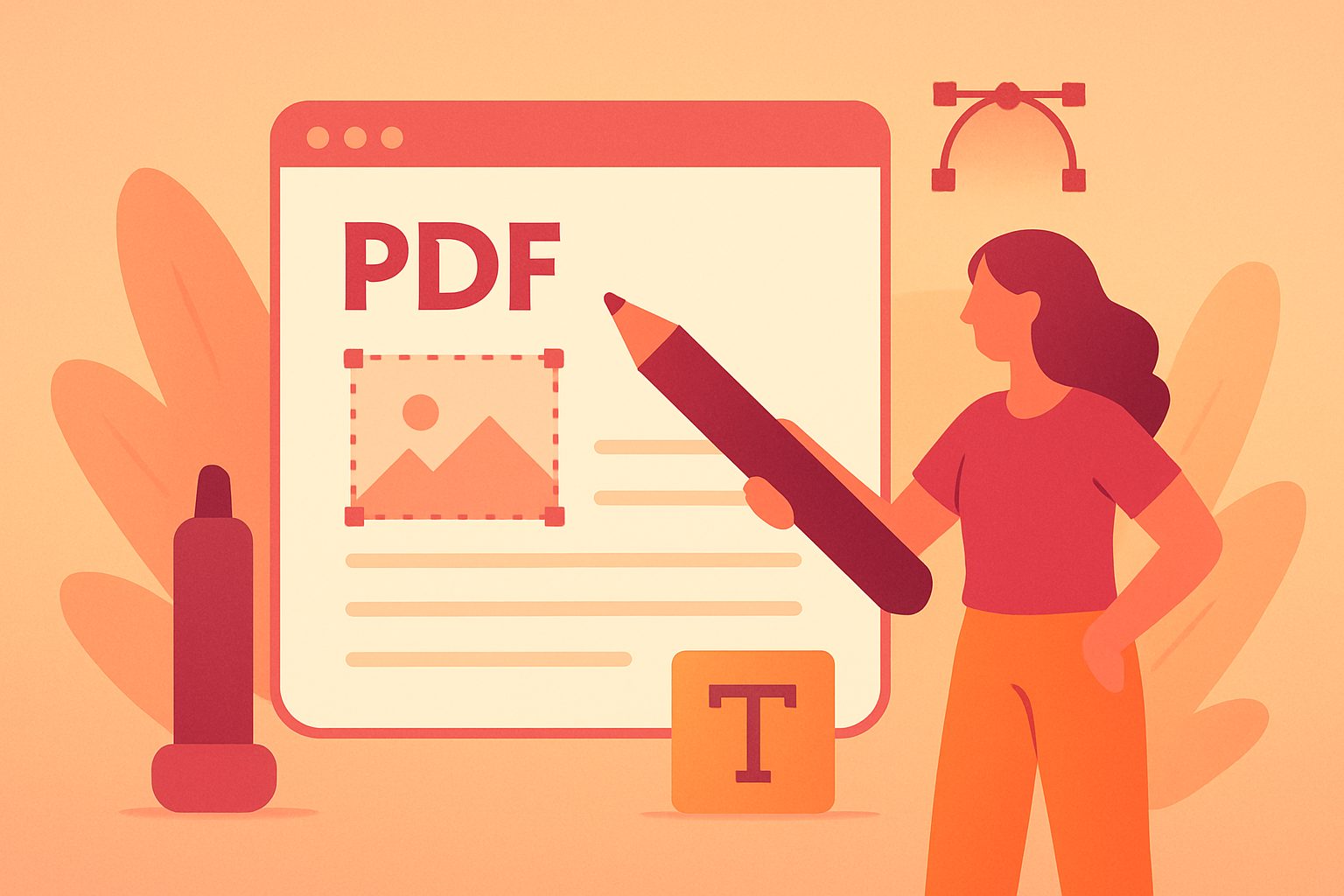
- Open the editor in your browser and sign in if it asks you to.
- Choose your PDF from your computer.
- Go to the page you want to change. Most editors let you move page by page.
- Make your edit. If you make a mistake, use Undo.
- Download the finished PDF and open it once to check that it looks right.
Always keep your original file. Save the edited version under a new name so you can go back if you need to.
Tips for a clean result
- Start from the original file when you can. A PDF exported from Word or Google Docs is easier to edit than a scanned image.
- Check fonts after editing. If a font is missing, text can look slightly different. Zoom in and read the page before you send it.
- Review every page. A change on one page can shift how the next page looks.
- Do not edit sensitive documents on a shared computer. Close the tab and clear downloads when you are done.
Is it safe to use an online PDF editor?
Treat any online tool with some care:
- Use sites that load over HTTPS (a padlock in the address bar).
- Read the privacy policy to see how your file is handled.
- Avoid uploading passports, bank statements or signed contracts to tools you do not trust.
- For highly sensitive files, use offline software instead.
Try NIT PDF Editor Pro on the web
NIT PDF Editor Pro has a web app you can use now, with nothing to install. In it you can:
- open a PDF from your computer
- move through the pages one by one and edit the page you need
- undo your last edit
- download the finished PDF
You sign in with your Google account, then choose Open PDF, make your changes and select Download PDF.
The Windows app is available now on the Microsoft Store, and the Android app is launching soon. You can also use the web app in any browser. Open the NIT PDF Editor Pro web app
Frequently asked questions
What is the best PDF editor online free?
The best one is the one that fits your task and has limits you can live with. For a quick edit, look for a tool that has no watermark, a clear way to undo mistakes, and a simple download button.
Can I edit a PDF without installing software?
Yes. An online PDF editor runs in your browser, so you can edit and download a PDF without installing anything.
Can I edit a scanned PDF?
Scanned PDFs are images of pages, so editing the text is harder. Where you can, start from the original document and export a new PDF.
Will editing change the layout of my PDF?
Small edits usually keep the layout. Always check the downloaded file, especially fonts and page breaks.
Can I use an online PDF editor on my phone?
Many work in a mobile browser, but a large screen is easier for detailed edits. An Android app for NIT PDF Editor Pro is launching soon.
Final thoughts
An online PDF editor is the fastest way to fix a document when you do not want to install anything. Check for watermarks and limits, keep your original file, and review the result before you send it. If you want to try one now, the NIT PDF Editor Pro web app is available in your browser.